

Player rating
BC Game Germany: Casino, Sports Betting and Crypto
Join BC Game











































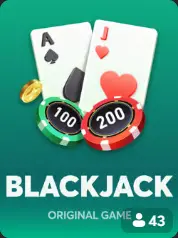

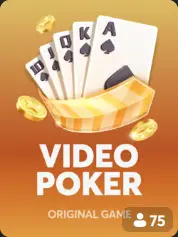
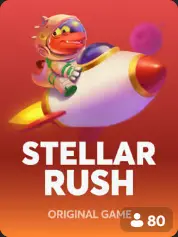

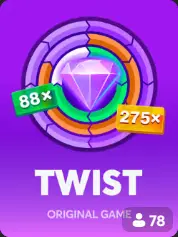













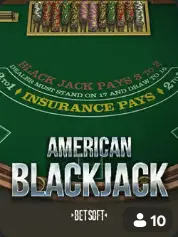

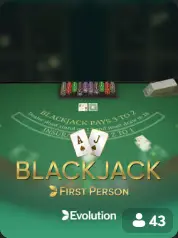




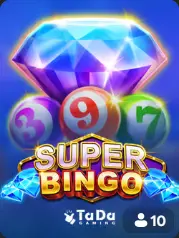
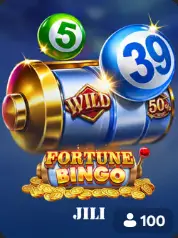
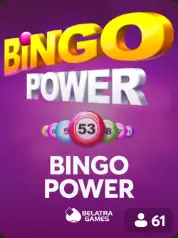
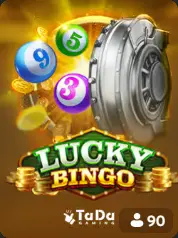




BC Game Germany brings casino games, sports betting, crypto payments, promotions and mobile access into one connected account. Open the Casino for slots, Live Casino, table games and BC Originals, switch to Sportsbook for pre-match or live markets, then use the same Wallet when you want to deposit, withdraw or check a transaction.
The account stays recognisable when you move between products. My Bets keeps accepted sports tickets, Casino history keeps game rounds, Transaction keeps money movement and Bonus shows active rewards. That separation makes the platform easier to use because every important action has its own place without forcing you to create several balances or profiles.
BC.GAME currently promotes 1,000+ slots alongside live dealer games, crash titles, sports betting and its own Originals. The live platform remains the place to confirm the exact game catalogue, event schedule, payment route or campaign available to your account at the moment you use it.
BC Game Germany at a Glance
 Detail Detail | BC Game Germany |
|---|---|
 Operator Operator | Twocent Technology Limited |
 International licence International licence | Anjouan Licence No. ALSI-202410011-FI1 |
 Casino Casino | 1,000+ promoted slots, Live Casino, Table Games, Crash and BC Originals |
 Sportsbook Sportsbook | Pre-match and live sports betting |
 Wallet Wallet | Deposit, Withdraw, Swap and Transaction |
 Promotions Promotions | Welcome offers, Free Spins, Promo Codes and VIP |
 Mobile Mobile | Responsive website, Android access and iPhone/iPad Home Screen |
 Support Support | Live Support, Help Center and email |
BC Game Germany Licence and Operator
BC.GAME is operated by Twocent Technology Limited, a limited liability company registered in Belize under company number 41939, with registered address at Sea Urchin Street #2, San Pedro, Ambergris Caye, Belize. The platform currently publishes Anjouan Licence No. ALSI-202410011-FI1 for its international gaming and betting operations.
For players in Germany, that international licence should not be confused with a German authorisation. Germany uses its own regulatory framework under the State Treaty on Gambling, and the Gemeinsame Glücksspielbehörde der Länder publishes the official whitelist of operators and domains holding German permissions or concessions.
A German-language interface, Germany-focused landing page or technical access to BC.GAME does not by itself mean that the service has a German GGL licence. Check the current official whitelist and the rules that apply to you before using a real-money gambling product from Germany.
We keep that distinction clear on BC Game Germany: the international operator and product are described as they are, while German regulatory status is treated as a separate local question.

Why Players Choose BC Game Germany
BC Game is built around fast movement between Casino, Sportsbook and Wallet. The platform does not make you learn a different cashier every time you change product, and the same account can be opened on desktop, Android or iPhone.
- One Wallet connects Casino and Sportsbook. Deposit once, then move between games and sports markets without an internal transfer between separate product balances.
- Casino gives you 1,000+ promoted slots, live dealer tables, crash games, table games, Game Shows and BC Originals.
- Sportsbook combines pre-match and in-play betting with My Bets for accepted tickets and settlement history.
- Crypto payments are managed from Wallet, with the currently supported assets, networks and transaction status shown inside the account.
- Search and Favourites shorten Casino navigation, while sport, competition and event filters do the same job in Sportsbook.
- Mobile access returns to the same balance, bets, promotions and account settings instead of creating a second mobile profile.
- Support can work from product-specific references such as TxID, Ticket ID and Round ID, which makes a case easier to identify.
BC Game also keeps discovery and repeat use separate. Search is for the title you want now, Favourites is for the games you expect to open again, while Sportsbook filters narrow thousands of possible events to the competition you actually follow. That makes repeat sessions quicker without reducing the size of the underlying catalogue.
The product histories stay deliberately specialised. Transaction answers a payment question, My Bets answers a sportsbook question and Casino history answers a game-round question. You do not need to search through one mixed activity feed to work out what happened.
BC Originals give the platform a recognisable in-house layer alongside third-party games. Sportsbook adds a completely different product without asking for another login. The result is a platform that can support a five-minute account check, a Casino session or a live match from the same profile.
BC Game Bonuses and Promo Offers
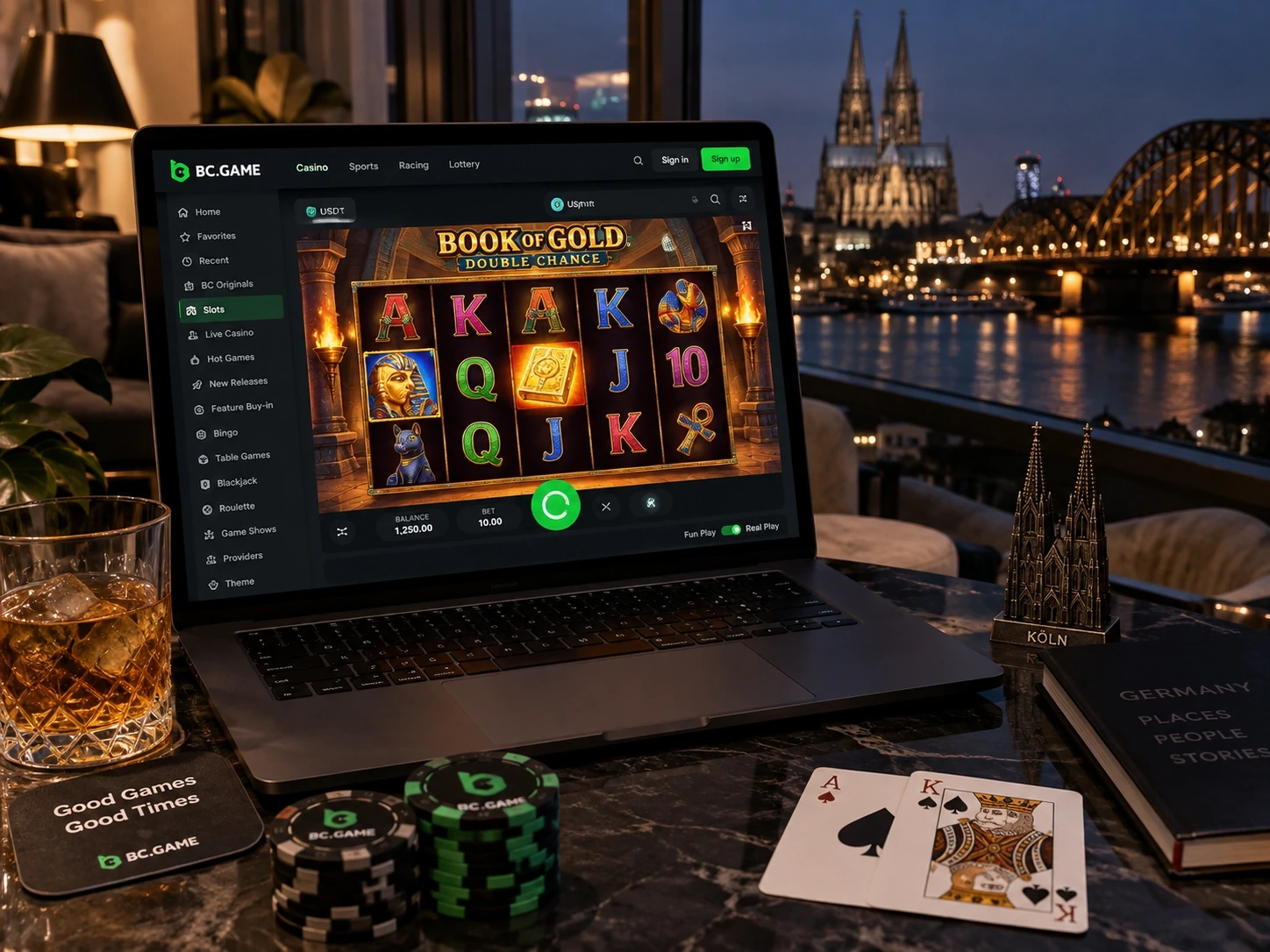
BC Game promotions add extra value on top of the Casino and Sportsbook experience. Depending on the current campaign, new and existing players can encounter welcome rewards, Casino bonuses, Free Spins, Sports FreeBets, VIP rewards, Promo Codes and short-term events.
The useful way to approach a promotion is to read the campaign before you claim it. Check the minimum deposit, wagering requirement, expiry, eligible games or markets and any location or account restrictions. A large headline percentage is only one part of the offer.
Welcome campaigns can use several deposit stages rather than one single first-deposit reward. Free Spins can have their own validity period. Sports rewards can depend on qualifying odds or settled tickets. VIP rewards can use weekly, monthly or level-based qualification.
Open Bonus and Rollover after login to see what applies to your own account. We cover the individual campaign types in much more detail on the BC Game Germany Bonuses page.
VIP works as a longer-term reward layer rather than a single coupon. Progress remains attached to the account and can unlock additional claims or service benefits as the current programme allows. A device change does not create a new VIP profile.
Promo Codes and Bonuslinks provide direct campaign entry points. A code can still be restricted by region, account history, deposit stage or VIP status, so the successful result should always be confirmed inside the account rather than assumed from an external post.
FreeBet rewards belong to Sportsbook and should be used from the Bet Slip under the current campaign terms. Free Spins belong to Casino and can be tied to selected games. Keeping those reward types separate prevents sports and casino wagering rules from being mixed together.
How to Register at BC Game Germany
Registration opens one account for Casino, Sportsbook, Wallet and promotions. Use the registration method shown on the live BC.GAME platform and keep the same identity when you later sign in from another device.
1. Open BC.GAME and choose Sign Up.
2. Select the registration method currently offered, such as email, phone, Google or Telegram.
3. Enter the required account details and create secure login credentials.
4. Review the age, location and account terms displayed during registration.
5. Confirm the registration and complete any verification requested for the profile.
6. Open Security and activate 2FA when available.
Do not create a second profile simply because you move from desktop to mobile. The same login is designed to return you to the Wallet, My Bets, Favourites, Bonus and VIP status already attached to the account.
How to Log In to BC Game
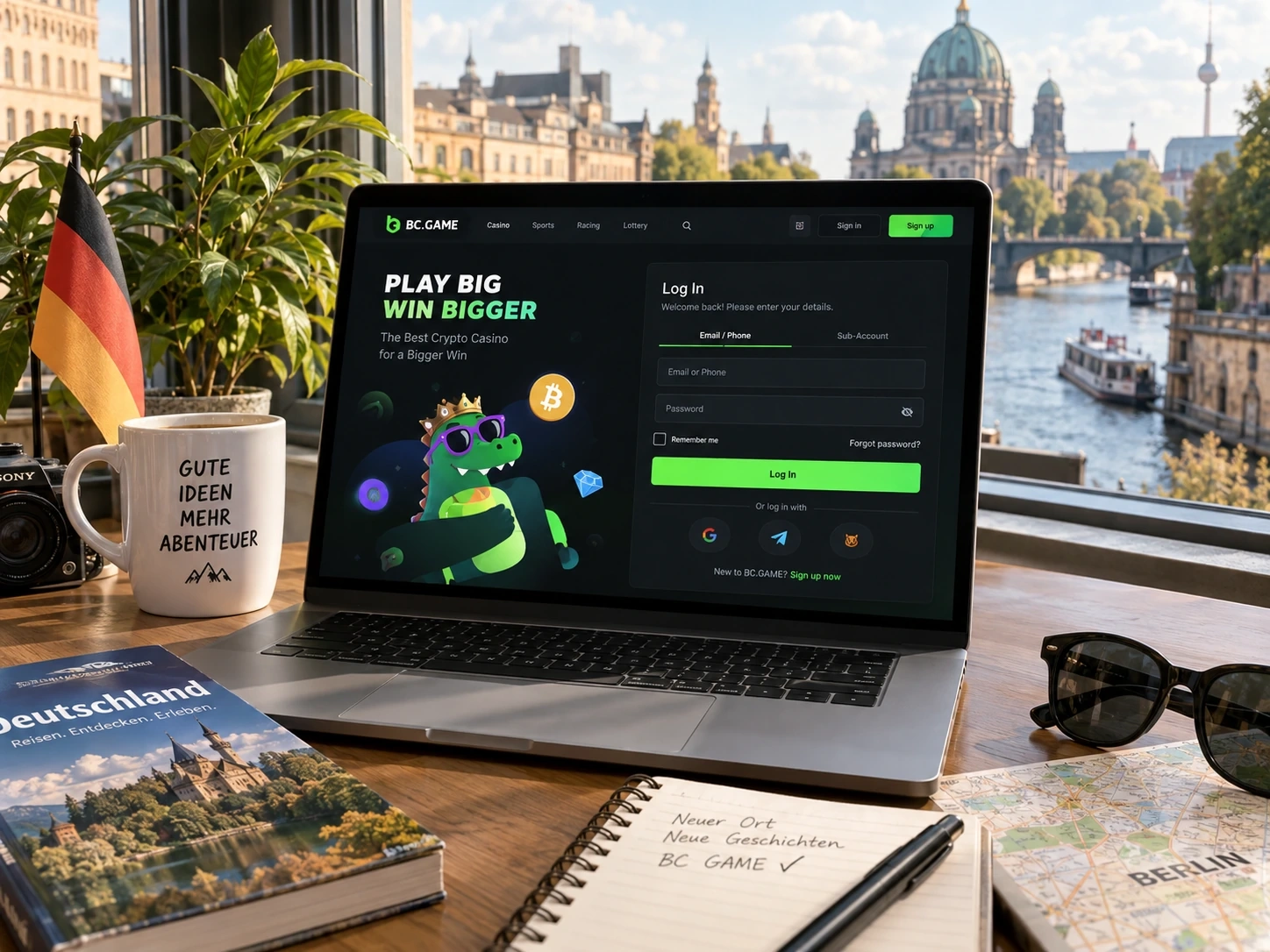
Use the same login method you selected when the account was created. If you registered through Google or Telegram, make sure you open the same connected account rather than a different profile.
1. Open the BC.GAME login page.
2. Choose Login.
3. Enter your email, phone number or use the connected Google/Telegram route.
4. Enter the password when your login method requires it.
5. Complete any 2FA or security confirmation shown by the account.
6. Open the profile and check Wallet, My Bets or Bonus to confirm that the expected account has loaded.
On a shared computer or phone, sign out properly after use. Closing a browser window does not always end an active session.
Welcome Offers
Staged deposit rewards can carry separate limits, wagering targets and expiry windows.
Free Spins
Eligible spin packages appear with their game and expiry conditions inside the active offer.
VIP and Missions
Current progress and rewards are shown after sign-in inside the Bonus and VIP areas.
Casino Games Available at BC Game Germany
The BC Game Casino covers several distinct styles of play. Slots make up the largest browsing area, with classic reels, modern video slots, Megaways, cluster mechanics, Hold and Win features, cascading wins and high-volatility releases. Search is the quickest route when you know a title, while provider pages and categories are better for discovery.
Live Casino brings dealer-led Roulette, Blackjack, Baccarat and Game Shows to desktop and mobile. Table limits, language, speed and side bets can differ even when two tables use the same basic game. Check the preview before entering so the table already matches your planned stake.
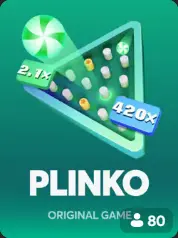
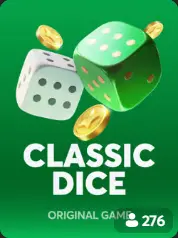
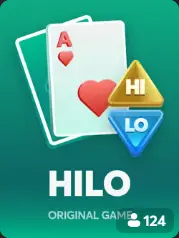
BC Originals are BC Game's own short-form games. Crash, Dice, Mines, Plinko, Limbo, Keno and Hilo are among the recognisable names in this area. Where a title is offered as provably fair, cryptographic verification data can be used to check the result process.
RNG Table Games provide classics without a live dealer. Blackjack, Roulette, Baccarat and poker-style variants can use different rule sets, so the information shown in the current game should override assumptions based on a familiar name.
Favourites becomes especially useful once you have a regular shortlist. Save games you expect to revisit and use the full lobby only when you want to discover something new.
Slot browsing becomes more useful when you compare mechanics rather than only themes. Megaways titles vary the number of symbols or ways to win, cluster games form wins from connected groups, Hold and Win titles focus on locked symbols and respins, while cascade mechanics replace winning symbols and can create several hits in one sequence.
Live Roulette can differ by table minimum, pace and additional features. Live Blackjack can vary by seat availability, side bets or rule set. Baccarat tables can use different limits and presentation. The preview is therefore part of choosing the game, not simply decoration before the table opens.
Game Shows add another live format with host-led presentation, wheels, bonus rounds or multipliers. They should be treated as their own category because the mechanics can be very different from conventional Roulette or Blackjack.
BC Originals are especially useful when you want a short decision cycle. Mines, Plinko, Dice and Limbo do not require a long bonus feature or a large reel layout. Crash focuses the whole round on the decision to cash out before the multiplier ends.
The live catalogue should decide what is available today. A title mentioned in an older review can disappear, change provider or use a different configuration, so Search and the current game page are better final references than a static list.
| Casino route | Best used when | What to check |
| Search | You know the exact title | Game name and current version |
| Categories | You know the game type | Slots, Live Casino, Table Games, Originals |
| Provider pages | You want more titles from one studio | Mechanics and stake range still vary by title |
| Favourites | You return to the same games | Saved shortlist tied to your profile |
How to Make Your First Deposit at BC Game
A crypto deposit starts with the Wallet information currently displayed to your account. Do not reuse an old address or assume that a token always uses the same network.
1. Open Wallet and choose Deposit.
2. Select the cryptocurrency or token you want to send.
3. Choose the network displayed by BC Game.
4. Copy the current deposit address.
5. Open your external wallet or exchange.
6. Select the same asset and a compatible network.
7. Compare the destination address before confirming.
8. Send the transfer and follow its status in Transaction.
If the transfer is on-chain, keep the TxID. It identifies the blockchain transaction without giving anyone control over your external wallet. Never share a seed phrase or private key with Support.
For a new payment route, a small test transfer can be sensible when the minimum deposit and network fee make that practical. It does not replace address checking, but it can confirm that the chosen path reaches the expected account.
Sports Betting Available at BC Game Germany
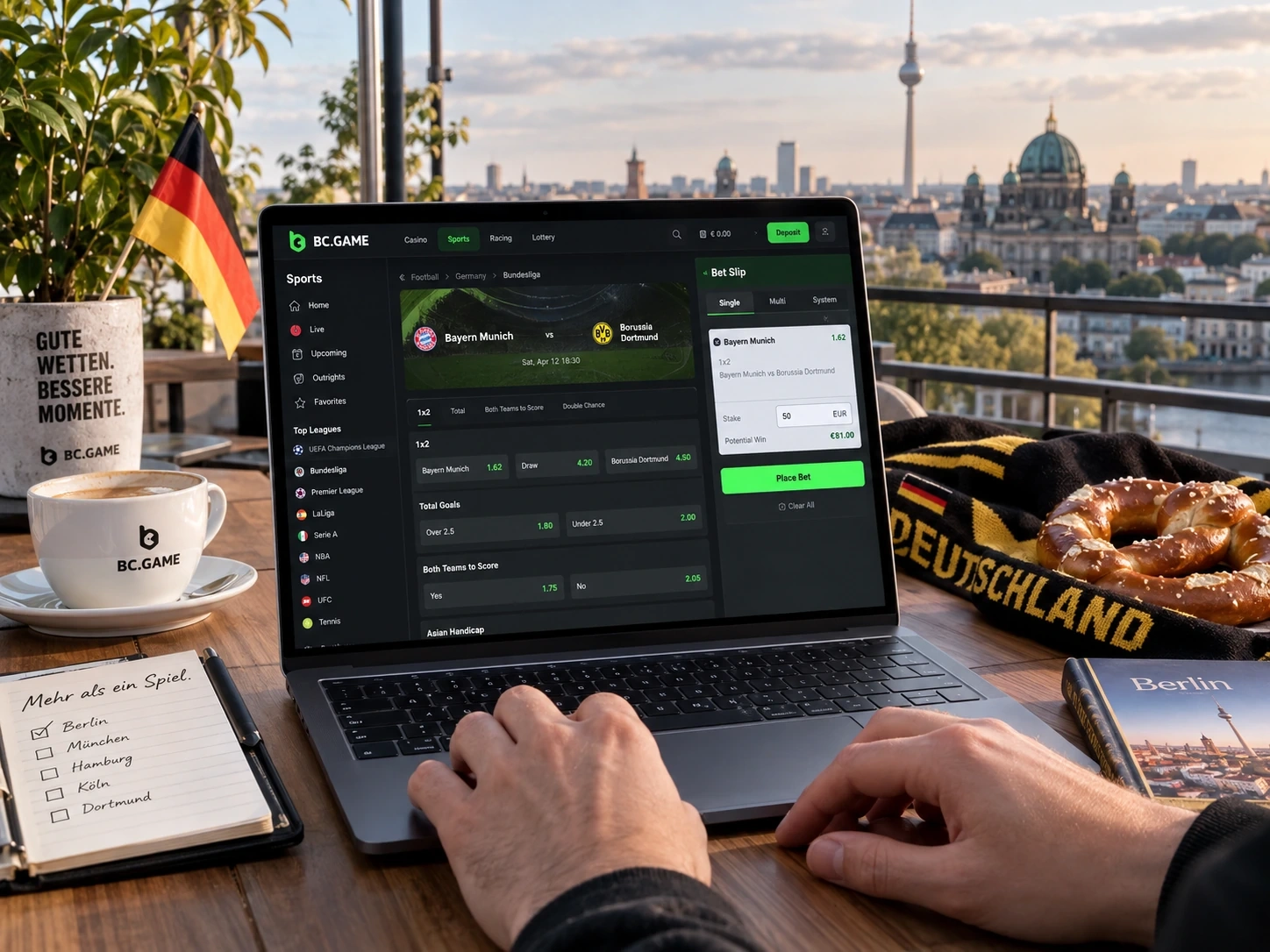
BC Game Sportsbook covers pre-match and live betting. Football is a major entry point, with markets that can include match winner, double chance, totals, handicaps, both teams to score, corners, cards and player selections depending on the event.
Tennis can include match winner, set markets, game totals and in-play options that move quickly as the score changes. Basketball can add spreads, totals, quarter or half markets and player props. Ice hockey and handball can offer match, handicap, total and period-specific betting.
Esports events can also appear in the Sportsbook. Counter-Strike, Dota 2, League of Legends and other titles can use match winner, map winner, handicap or totals markets. Always check whether the bet refers to one map or the whole series.
Market availability changes with the schedule. The live Sportsbook is the final source for the events, odds and betting options offered at that moment.
Football markets can expand far beyond the final result. Depending on the match, the Sportsbook can offer totals, handicaps, cards, corners, goalscorers, player statistics and same-event combinations. The useful habit is to read the full market label before adding it to the Bet Slip.
Live betting changes the pace of the decision. Prices react to goals, breaks, timeouts, cards and other events, and markets can pause briefly while the feed is updated. A suspended market is not automatically an error. Wait for it to reopen or choose another available market.
Cash Out can appear on selected tickets, but it is not guaranteed for every event or bet type. When the option exists, the value can move as the live situation changes. My Bets remains the place to see the actual ticket status after placement.
Accumulator bets combine several selections into one ticket. Every leg affects the final result, so review the full Bet Slip rather than checking only the first event. Single bets and accumulators support different ways of following sport and should not be treated as interchangeable.
| Sportsbook view | What it helps you do | Account record after placement |
| Pre-match | Choose before the event starts | My Bets / Ticket ID |
| Live betting | Bet while the event is running | My Bets / Ticket ID |
| Single bet | Track one selection | One accepted ticket |
| Accumulator | Combine several selections | One ticket with multiple legs |
How to Start Betting on BC Game
The Sportsbook flow is straightforward: find the event, choose the market, review the ticket and confirm the stake.
1. Open Sportsbook.
2. Choose the sport you want to bet on.
3. Select the competition or league.
4. Open the event.
5. Choose the exact market and selection.
6. Review the Bet Slip, including odds and stake.
7. Confirm the bet with Place Bet.
8. Open My Bets to see the accepted ticket and Ticket ID.
For live betting, review the price immediately before confirmation. Odds can change while an event is running, and a market can temporarily suspend during an important moment.
After the ticket is accepted, My Bets is the account-side record. Use the Ticket ID when you need Support to review one specific wager.
BC Game Crypto Futures Trading
BC Game also offers a crypto futures trading product built around price movement rather than casino rounds or sportsbook events. The platform's 2026 trading guide describes crypto futures together with modes such as Up Down/High Low and Tap Trading, with pairs such as BTC/USDT and ETH/USDT.
In a directional trade, you choose the market, timeframe and direction you expect the price to move. Trading products can also use leverage, stop-loss and take-profit controls. Leverage increases both potential gains and potential losses, so it changes the risk profile substantially.
Treat Trading as its own product rather than as another Wallet payment function. Deposit and Withdraw move funds; Trading creates market exposure. Check the current trading interface, available pairs, leverage limits, fees and settlement rules before opening a position.
Crypto markets can move sharply in seconds. Use a predefined loss limit and avoid increasing leverage simply because a previous move went against you.
Up Down or High Low style trading reduces the decision to direction over a selected time window, while Tap Trading adds a target level that the market price must reach. Futures-style interfaces can also provide leverage controls that magnify exposure.
Stop-loss and take-profit settings are practical risk controls when they are available. A stop-loss closes the position at a predefined loss threshold, while take-profit can close it after a chosen favourable move. They do not remove market risk, but they can prevent every decision from depending on a last-second manual reaction.
Trading should not be described as a way to own Bitcoin or Ethereum. The product is about exposure to market movement rather than simply holding the underlying asset in Wallet. Check the pair, direction, timeframe and leverage before confirmation.
BC Game Germany Payment Methods
BC Game is crypto-focused, and Wallet shows the assets and networks currently available for your account. Common crypto ecosystems include Bitcoin, Ethereum, Tether and other major coins or tokens, but availability can change and the same token can exist on several networks.
Deposit and Withdraw should always start with current account instructions. For Deposit, copy the address and network from BC Game. For Withdraw, first open the receiving wallet or exchange and check what network it currently accepts, then select the matching route in BC Game.
Network fees can come from the blockchain or from the external wallet/exchange you use. Those costs are separate from any fee shown by BC Game. Minimum deposit and withdrawal amounts can also vary by asset and network.
Transaction is the main account page for payment status. It should be used together with the external TxID when a blockchain transfer needs to be traced.
Stablecoins deserve particular attention because the same ticker can be issued on several networks. USDT on one network is not automatically compatible with a USDT deposit route on another. The network displayed by BC Game and the sending wallet must match.
For withdrawals, the receiving exchange can change deposit addresses or supported networks. Open its current Deposit page before you enter the destination in BC Game. That reverses the common mistake of selecting a network first and only afterwards checking whether the receiver accepts it.
A displayed fiat equivalent can make the Wallet easier to read, but it does not mean every transaction settles through that fiat currency. Use the asset and network shown in Wallet as the technical payment reference.
| Payment check | Use this information | Do not use |
| Crypto deposit | Asset, network, current address, TxID | Old saved address |
| Crypto withdrawal | Receiving network, destination address, fee | Assumed network from a previous withdrawal |
| Support review | TxID, amount, asset, network, time | Seed phrase, private key, live 2FA code |
BC Game Mobile Apps for Android and iPhone
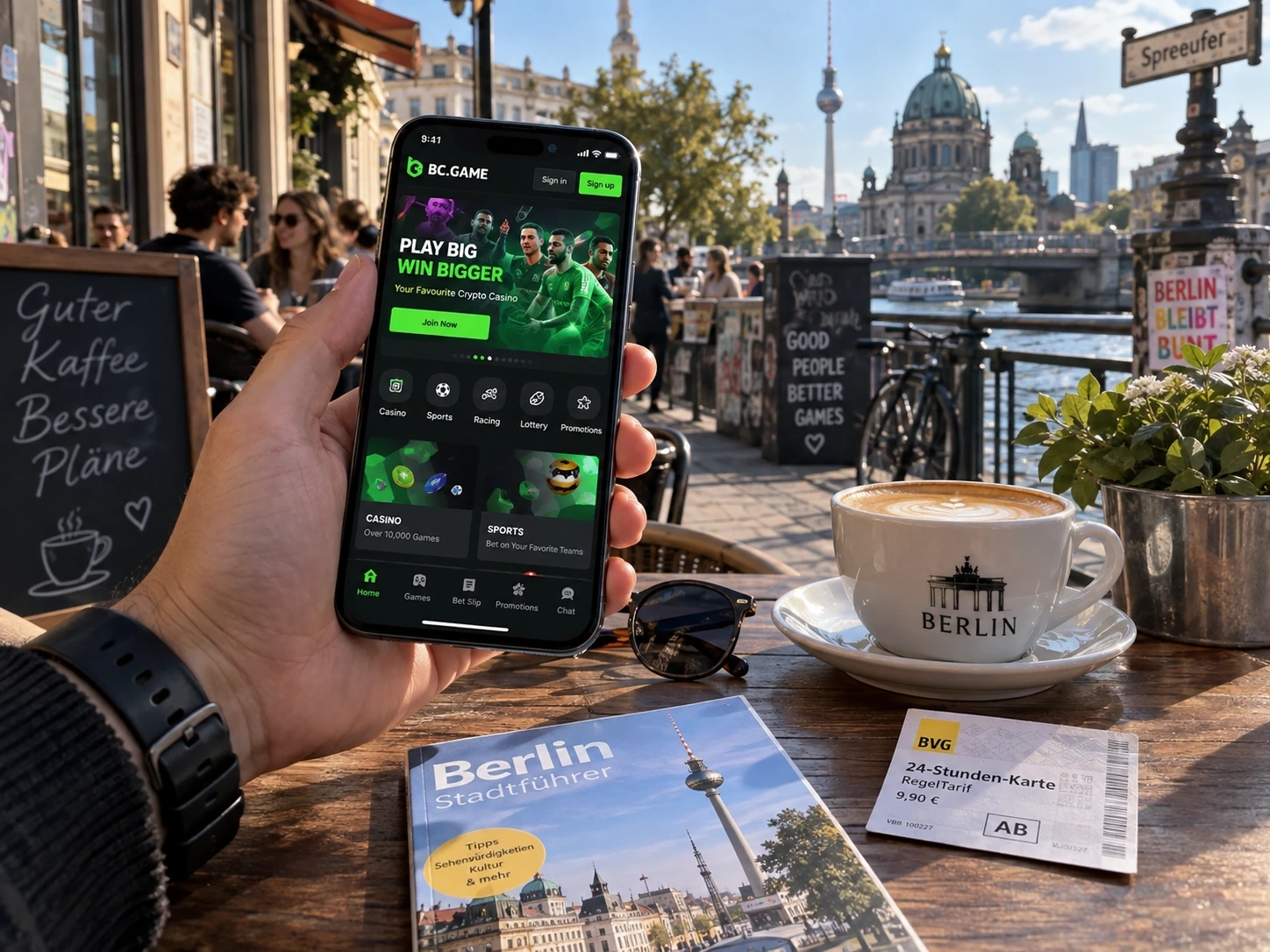
BC Game works on mobile without creating a separate mobile account. Android users can open the responsive site directly and, when BC.GAME currently offers an official Android installation route, use that route instead of a third-party APK mirror.
On iPhone and iPad, open BC.GAME in Safari, tap Share and choose Add to Home Screen. The icon opens the same mobile account experience, with Wallet, My Bets, Bonus and Favourites still connected to your profile.
1. Android: open BC.GAME, visit the App area and use the official installation option currently displayed.
2. iPhone/iPad: open BC.GAME in Safari, tap Share and choose Add to Home Screen.
We cover installation, updates, login and mobile payments in detail on the BC Game Germany Apps page.
Mobile Sportsbook is useful after a bet as well as before it. My Bets can show whether a ticket settled while you are away from desktop. Mobile Casino can use the same Favourites list, which makes a smaller screen easier to navigate.
Wallet remains fully relevant on mobile. You can check Transaction, confirm whether a Deposit arrived and review a withdrawal request. A new phone can require fresh Security verification, but it does not create a second balance.
Use a screen lock and avoid leaving the account open on a shared device. Mobile convenience is strongest when it is combined with the same account-security habits used on desktop.
BC Game Customer Support
Use the support route that matches the question. Live Support is the fastest starting point for an active account issue. Help Center is useful for published procedures, while email provides a written route when a case needs more detail.
Prepare the correct reference before opening a case. Use TxID for an on-chain payment, Ticket ID for a Sportsbook ticket, Round ID for a Casino round and the campaign name plus exact error message for a promotion.
Do not send passwords, live 2FA codes, seed phrases or private keys. These are control credentials, not identifiers for a support case.
Support becomes faster when the request is already narrowed to one product. For a delayed Deposit, send the TxID and network. For a Casino result, provide the Round ID. For Sportsbook, use the Ticket ID from My Bets. For a promotion, include the campaign name and the exact response shown by the account.
Verification documents should be uploaded only through the account verification process or another secure route confirmed by official Support. A normal game or payment question does not justify sending every personal document you have.
BC Game Germany FAQ
Is BC Game licensed in Germany?
BC.GAME currently publishes Anjouan Licence No. ALSI-202410011-FI1 for its international operations. That is not a German GGL licence. Check the current official GGL whitelist for German authorisation status.
How many casino games does BC Game offer?
BC.GAME currently promotes 1,000+ slots together with Live Casino, crash games, table games and BC Originals.
Can I use one Wallet for Casino and Sportsbook?
Yes. Casino and Sportsbook share the account Wallet while gameplay, betting and transaction histories remain separated by product.
How do I track a crypto deposit?
Open Transaction and compare the asset, network, amount and status. Keep the blockchain TxID for an on-chain transfer.
Where do I see my sports bets?
Open My Bets. It contains accepted and settled tickets and the Ticket ID for each wager.
Can I use BC Game on Android and iPhone?
Yes. The responsive site works on mobile, Android can use the official installation route when offered, and iPhone/iPad can add BC.GAME to the Home Screen through Safari.
Does Support need my seed phrase?
No. Never share a seed phrase or private key for a routine support case. Use the relevant transaction or account reference instead.